Published September 2, 2026

LinkedIn profile picture: what recruiters read in a second

A clean professional headshot portrait framed neatly on a modern desk setup

AI-generated via gemini-3.1-flash-image. No attribution required.

You assume recruiters open your LinkedIn profile to read your work experience. They do not, at least not at first. They look at your photo, form an immediate impression in under a second, and use that impression to frame everything else on the page.

According to LinkedIn's own guidance for profile pictures, just having a picture makes your profile 14 times more likely to be viewed by others. A photo is not a decorative badge: it is the primary visual anchor for your entire digital identity.

In Short

  • Split-second evaluation: Viewers assess competence, approachability, and credibility from your headshot before reading a single line of copy.
  • Framing rules: Your face and shoulders should occupy roughly 60% of the frame, centered within a square crop of at least 400 by 400 pixels.
  • Eye contact and expression: Direct eye contact signals transparency, and a natural, relaxed smile reads as more approachable than a flat, closed expression.
  • Visual consistency: An outdated photo undermines trust during live interviews, while casual crops from social events erode professionalism.

Why your profile picture sets the baseline for recruiter trust

You think your headline creates the first impression on LinkedIn. Your photo does. Human visual processing evaluates facial cues in milliseconds, long before the brain parses written qualifications.

When recruiters scan search results, your profile picture appears as a small circular thumbnail beside dozens of competitors. If that circle contains poor lighting, an awkward crop, or a cluttered room, the viewer registers low attention to detail. If the photo looks intentional, clean, and balanced, the viewer assumes the same standards apply to your professional work.

Building an effective executive headshot or standard profile image is not about vanity. It is about removing visual friction so your achievements receive the attention they deserve.

What does your current LinkedIn photo say about you?

Select the description that matches your current photo setup.

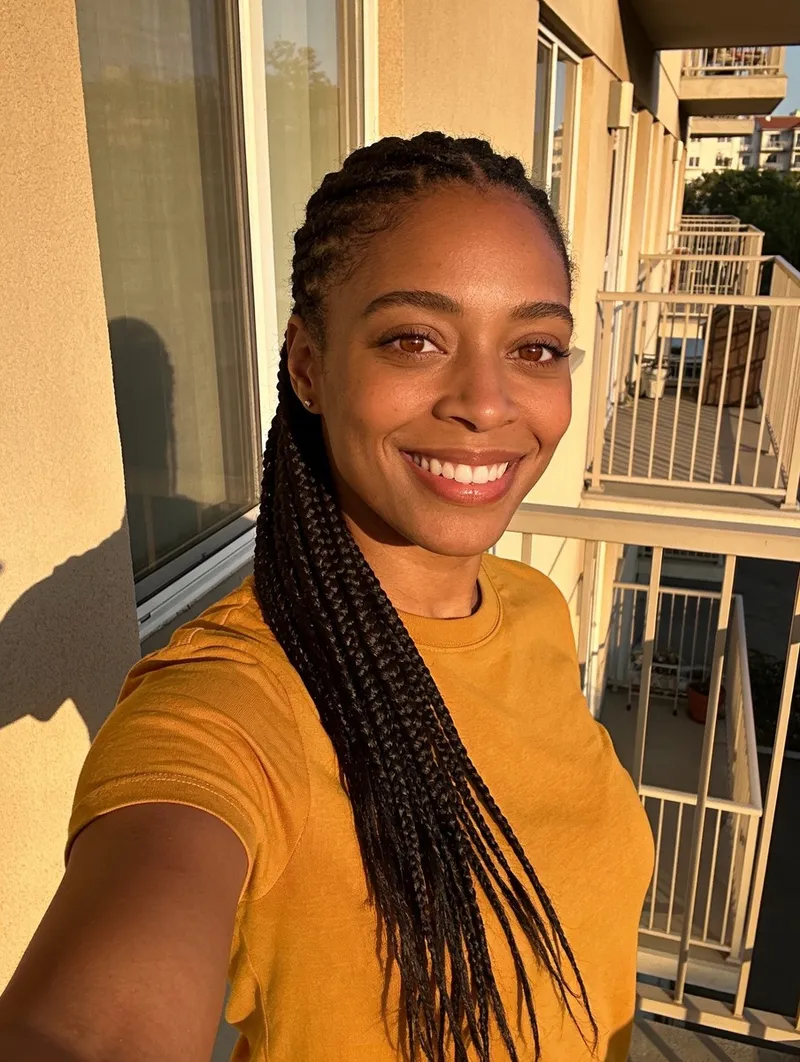
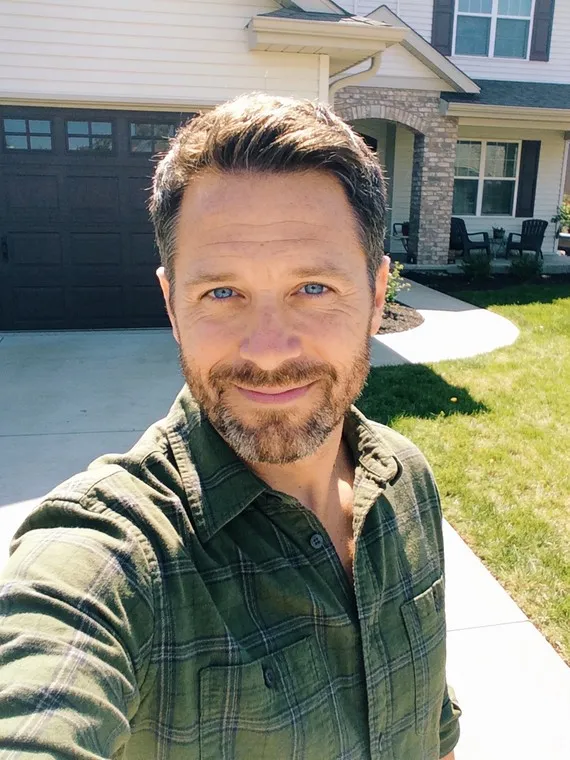
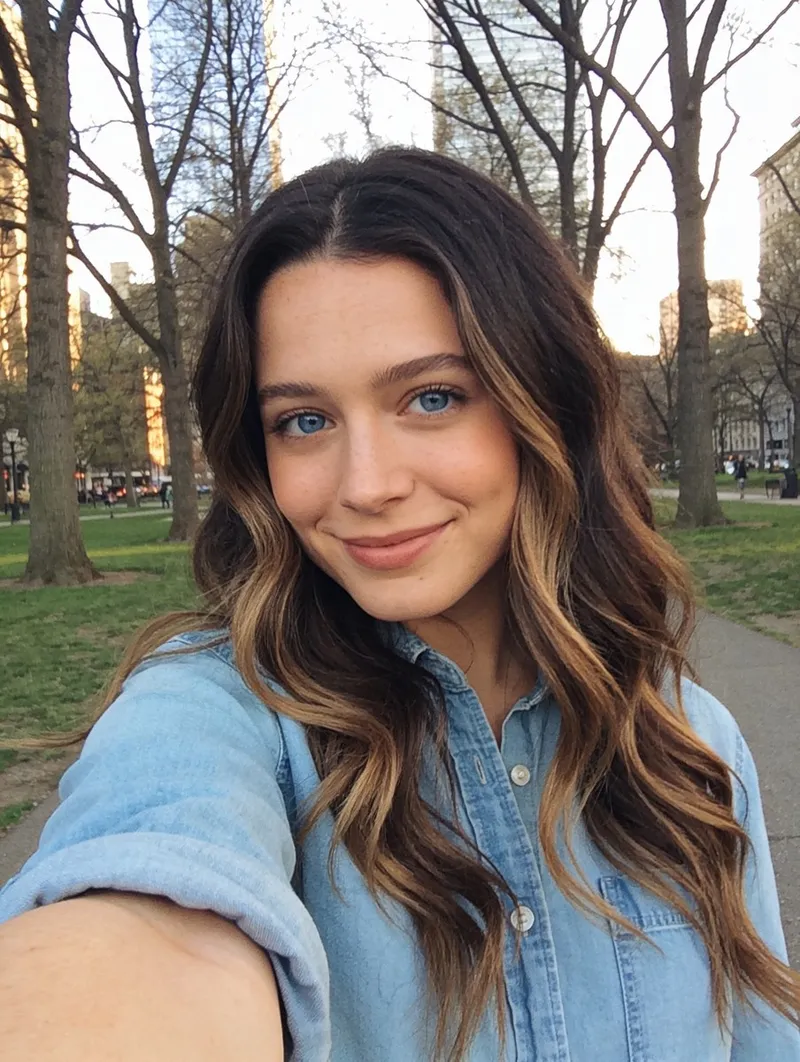
Cropped out of a wedding or vacation snapshot

Recruiters notice casual lighting, stray shoulders, and informal backgrounds immediately. It reads as an afterthought rather than an intentional career presence.

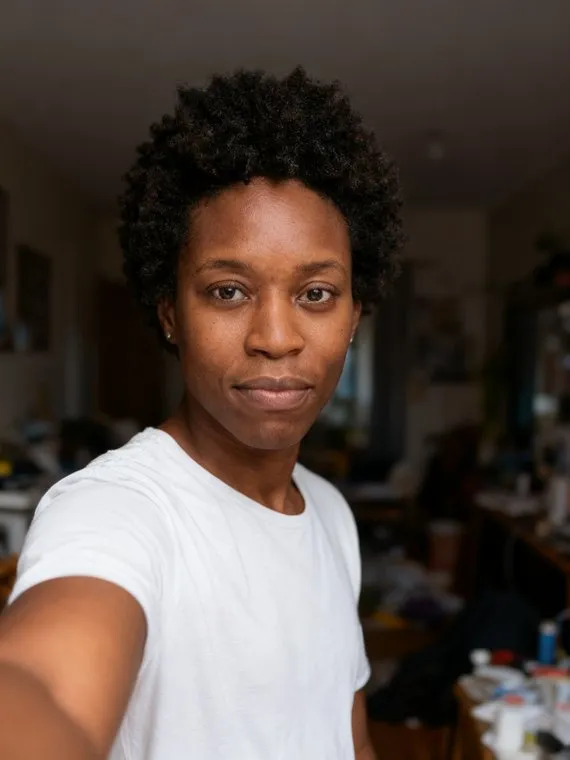
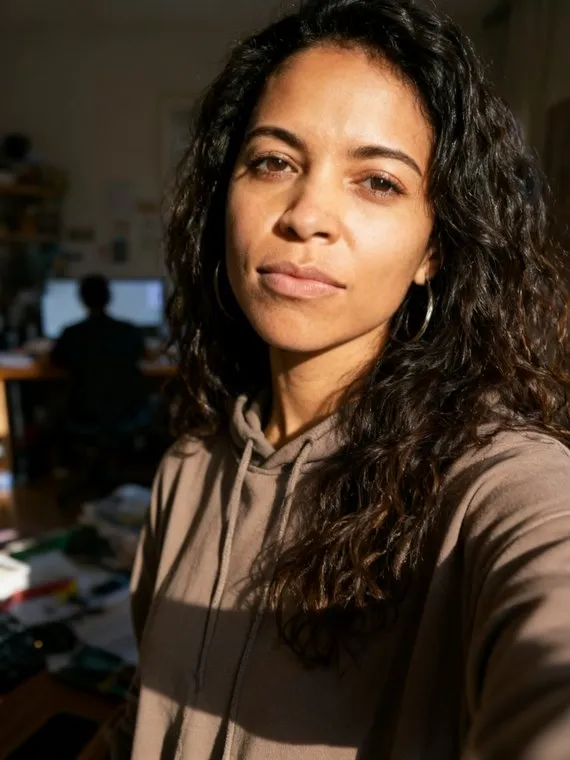
A smartphone selfie taken in a car or room

Wide-angle front-camera distortion and close distance alter facial proportions and signal low preparation for professional outreach.

More than five years old

An outdated image creates an instant disconnect when you appear on a video call. Visual consistency builds immediate credibility.

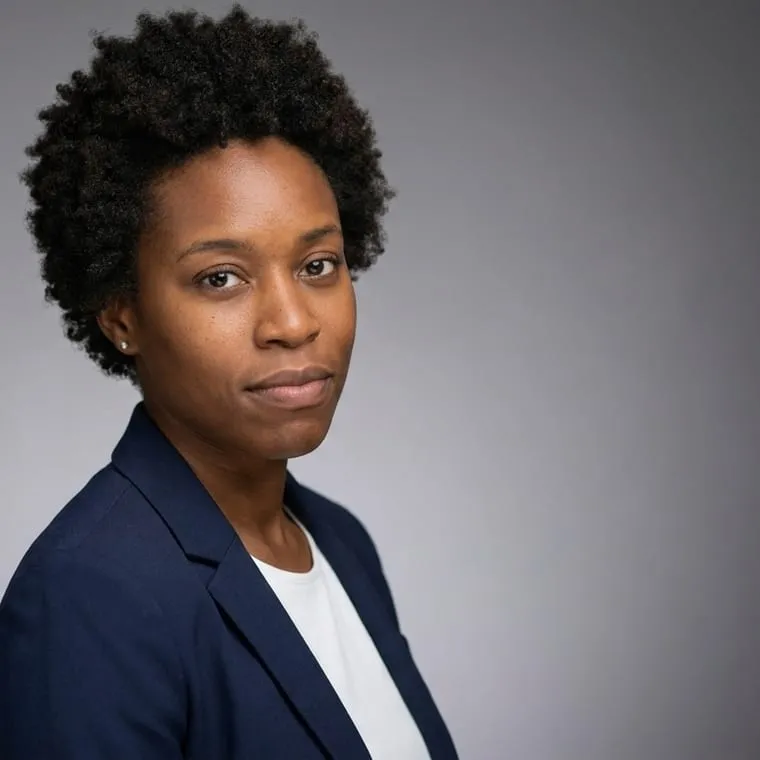
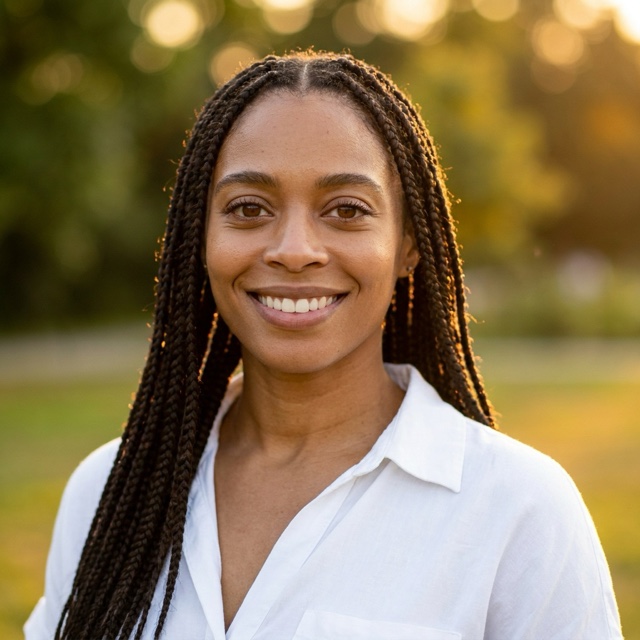
A clean, front-facing portrait with neutral lighting

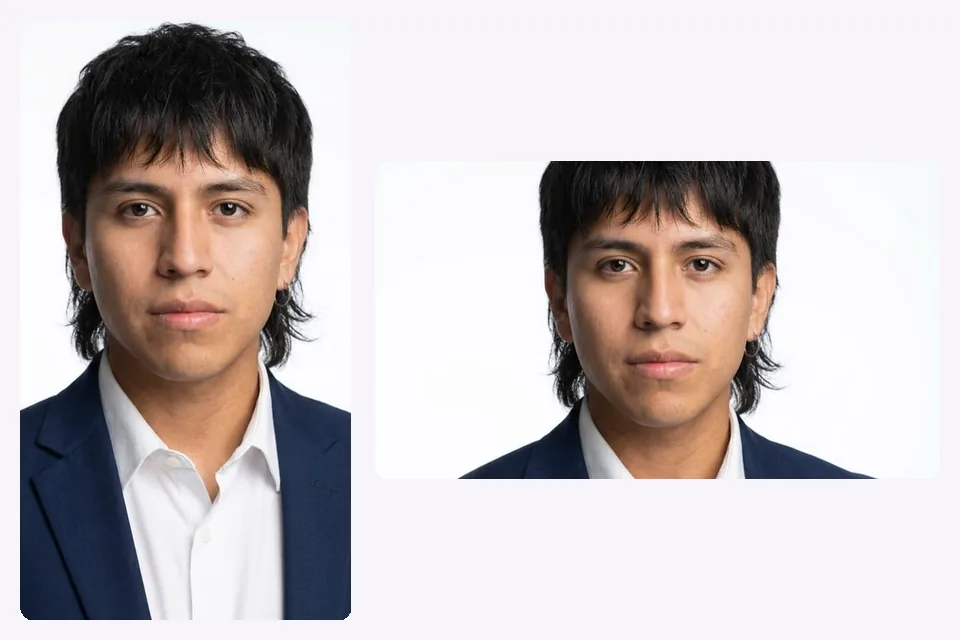
When your face fills 60% of the frame with direct eye contact, viewers process competence and approachability in under a second.

Whichever description matches, the fixes below apply to any camera and any budget.


The circular crop and the 400x400 pixel rule

LinkedIn crops every uploaded profile photo into a circle. If you upload a standard rectangular image without planning for this crop, the platform cuts off the corners, clipping your hair, ears, or shoulders.

Platform specifications cataloged by Sprout Social confirm that the baseline image standard for LinkedIn profile pictures is 400 by 400 pixels. Anything below 400 pixels appears blurry on high-density screens and mobile feeds.

SpecificationLinkedIn StandardPractical Recommendation
Minimum Dimensions400 x 400 pixels800 x 800 pixels or higher
Maximum File Size8 MBUnder 4 MB for quick rendering
Aspect Ratio1:1 (Square)Centered square crop
Display ShapeCircular cropKeep focal points within the central circle
Supported FormatsJPEG, PNG, GIFHigh-quality PNG or JPEG

When preparing profile pictures for digital networks, compose the shot with generous padding around the head. A tight rectangular crop will leave your chin or hairline touching the edges of the circle.


Framing: why your face must fill 60% of the circle

You might love a wide shot of yourself standing on a mountain or sitting at an outdoor cafe. On LinkedIn, that wide perspective makes your face unreadable.

Industry guidance published on Coursera recommends that your face and shoulders occupy approximately 60% of the frame. The platform displays your headshot across different sizes: large on your main profile, medium in feed posts, and small in notifications and search menus. If your face fills only 20% of the canvas, the thumbnail becomes an illegible dot.

Framing and Visibility Guidelines for LinkedIn Profile Photos Framing and Visibility Guidelines for LinkedIn Profile Photos. grouped bar data: Target Face Frame Share (%): LinkedIn Guideline 60; Profile View Multiplier (x): LinkedIn Guideline 14.Source: LinkedIn Talent Solutions 2024. Framing and Visibility Guidelines for LinkedIn Profile Photos Recommended proportions and metrics from LinkedIn Talent Solutions LinkedIn Guideline 60 Target FaceFrame Share(%) 14 Profile ViewMultiplier(x) Source: LinkedIn Talent Solutions (2024)
Source: LinkedIn Talent Solutions, 2024.

To achieve balanced framing:

  1. Position the camera at eye level rather than looking up from your lap.
  2. Frame from just below your collarbone to slightly above your head.
  3. Keep your head centered along the vertical axis so the circular mask does not cut into your forehead.

Eye contact: the single most powerful trust signal

You might think an artistic side profile looks thoughtful or creative. To a recruiter scanning hundreds of candidates, looking away from the camera looks evasive or distracted.

Direct eye contact establishes an immediate psychological connection. When a candidate looks straight into the camera lens, the viewer registers engagement, directness, and self-assurance. Looking off-camera to the side or staring into the distance works for editorial spreads, not for professional hiring channels.

Keep both eyes clearly visible. Avoid strong directional shadows that plunge one side of your face into darkness, and never wear tinted glasses or sunglasses that obscure your pupils.


Expression: finding the balance between warmth and authority

You do not need a severe scowl to project senior leadership. Nor do you need an exaggerated theatrical laugh to appear friendly.

A genuine smile reads as more approachable than a flat or overly serious expression, and it does so without costing you authority: warmth and competence are not a trade-off in a still photo, they show up in the same frame.

Practice your expression in front of a mirror or take several test shots. Relax your jaw, lower your shoulders, and direct your smile to your eyes.


Background and lighting: keep attention on your face

A busy background forces the viewer's eyes to process irrelevant clutter instead of your face. Hotel hallways, crowded restaurants, and messy bookshelves create visual noise that degrades thumbnail readability.

Opt for clean, uncluttered backdrops. A simple off-white wall, a softly blurred office environment, or a muted outdoor background provides natural depth without competing with your features. Solid colors in your clothing also help separate your silhouette from the background.

Lighting makes or breaks portrait quality:


The banner interaction: how cover photos complete the frame

You evaluate your profile picture in isolation. Recruiters see it overlapping your background banner.

LinkedIn desktop layouts place your circular profile picture over the lower left quadrant of your banner image. If your banner uses busy patterns or dark colors right where the circle sits, the profile image loses its visual separation.

According to platform documentation referenced on Coursera, the standard LinkedIn banner dimension is 1584 by 396 pixels. Choose a banner with minimal text and neutral contrast that complements your headshot rather than fighting it for visual dominance.


The ten-year-old photo problem: why outdated headshots backfire

You like how you looked a decade ago. Your hiring manager expects the person who joins the video interview to match the profile photo they reviewed yesterday.

Using a headshot that is ten years old creates an immediate disconnect the second you turn on your camera. That discrepancy raises subtle questions about authenticity and self-awareness before the conversation begins.

If you have changed your hair, started wearing glasses full-time, grown facial hair, or simply aged naturally, update your image. A current portrait that looks like you today communicates comfort with who you are. This principle applies equally to early-career roles and headshots over 45.


Common failure patterns that undermine your credibility

Most ineffective LinkedIn photos fail not from bad cameras, but from bad decisions. Here are the three most common mistakes:

1. The cropped event photo

You looked great at a friend's wedding or an industry gala. You cropped yourself out of the group, leaving someone's tuxedo shoulder or stray hand resting on your arm. The party lighting and off-center posture immediately signal a casual snapshot.

2. The car or bathroom selfie

Front-facing phone cameras held at arm's length cause wide-angle optical distortion, making the nose appear larger and compressing the ears. Car headrests and seatbelts in the frame signal that you took the photo as an afterthought.

3. Sunglasses and heavy accessories

Sunglasses block eye contact entirely. Hats, heavy headphones, and bulky novelty jewelry pull focus away from your face. A professional photo exists to identify you, not your accessories.


How often to update your photo

There is no arbitrary calendar rule that says you must replace your headshot every six months. Update your image whenever your professional context or physical appearance undergoes a meaningful change.

A sensible cadence includes:


Or skip the shoot

A traditional studio headshot delivers high quality, but it requires booking studio time, traveling to a location, and spending between $200 and $400.

Estimated Cost Range for a Studio Headshot Estimated Cost Range for a Studio Headshot. lollipop data: Lower Estimate 200; Upper Estimate 400.Source: LinkedIn Talent Solutions 2024. Estimated Cost Range for a Studio Headshot Typical photographer rates quoted by LinkedIn Talent Solutions Lower Estimate 200 Upper Estimate 400 Source: LinkedIn Talent Solutions (2024)
Source: LinkedIn Talent Solutions, 2024.

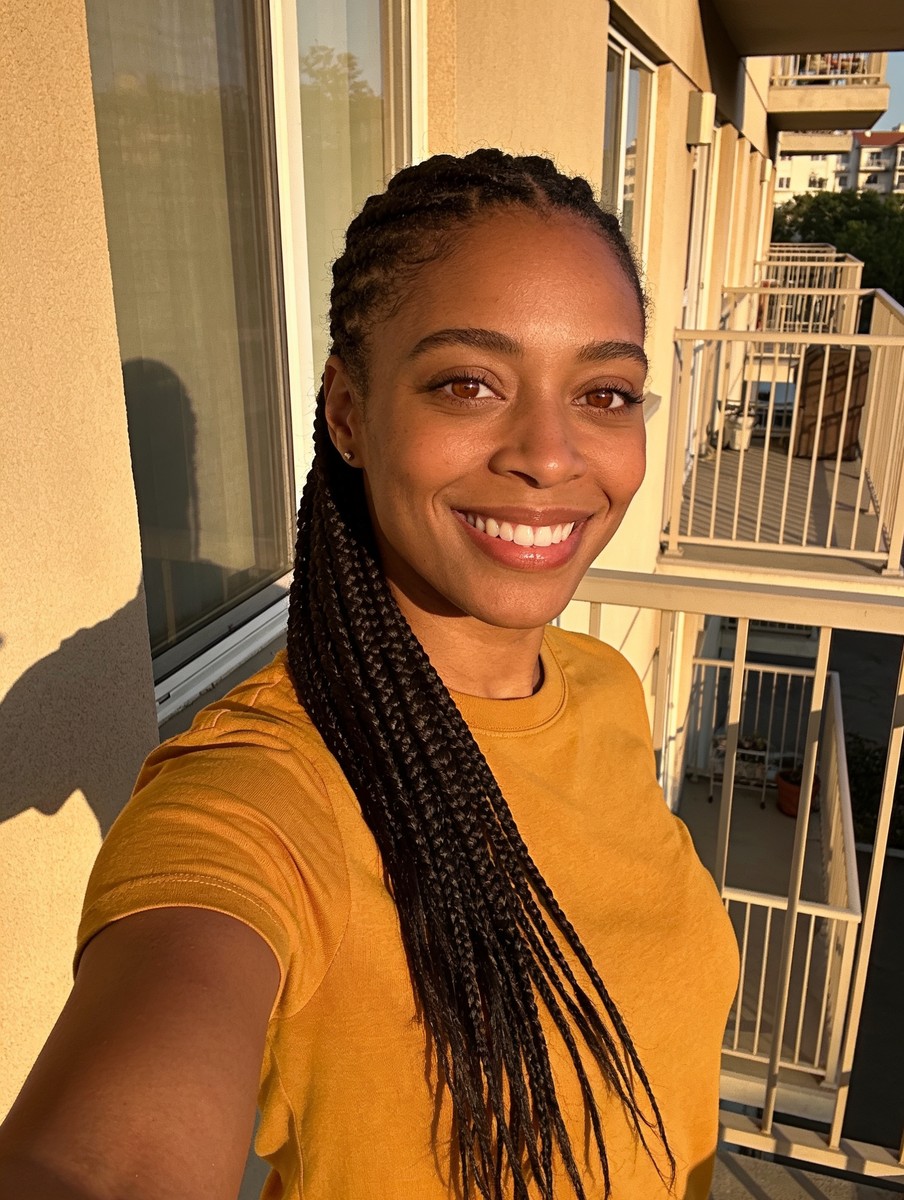
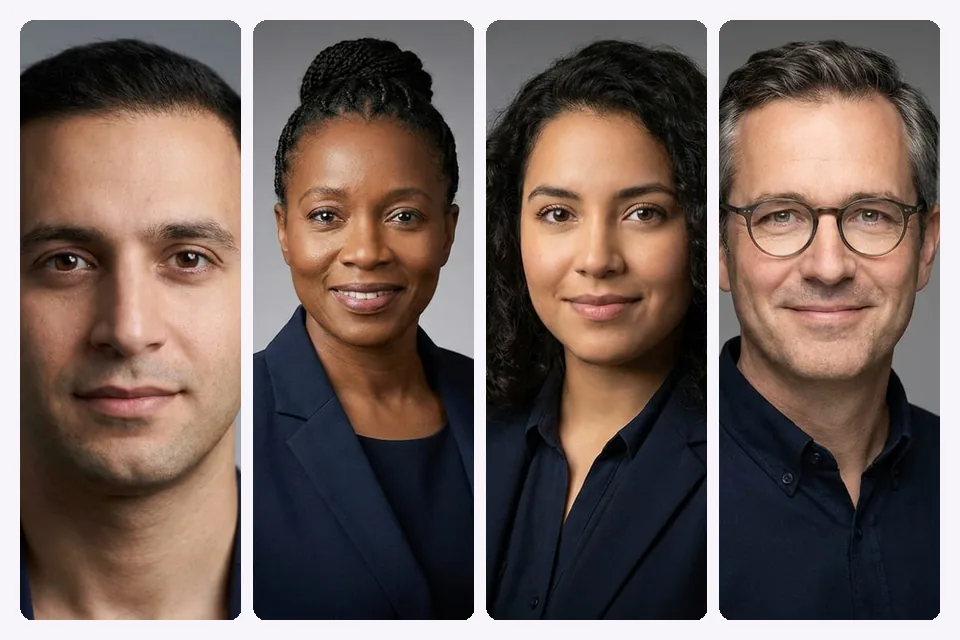
At still., we generate studio-grade portraits from candid photos you already have on your phone. Upload 8 to 12 casual photos (3 is the minimum), and we generate 40 professional portraits delivered in minutes, not overnight.

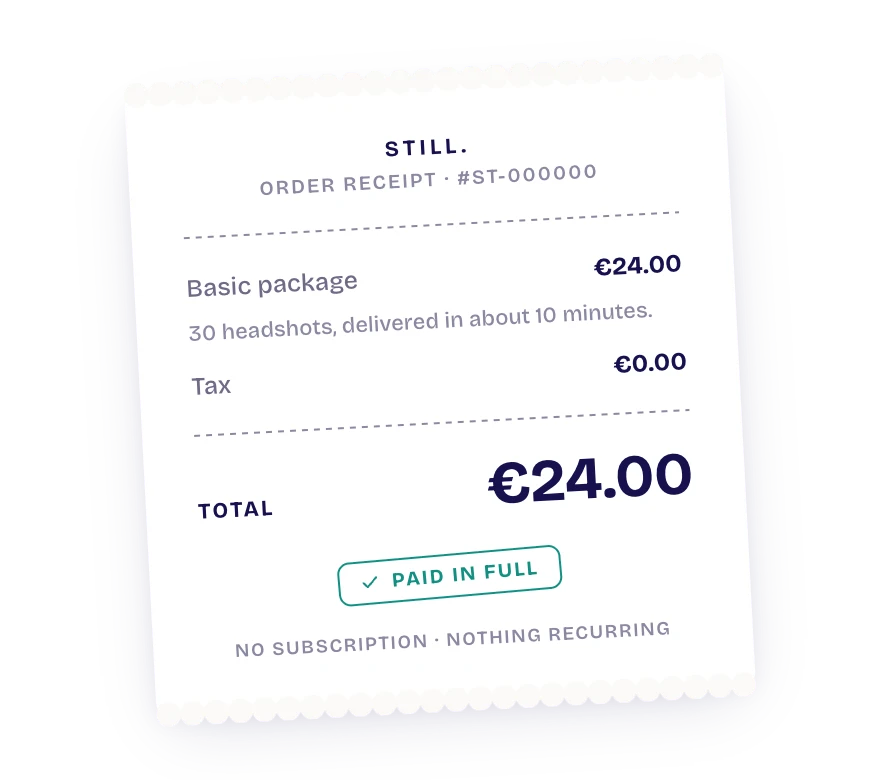
Our Professional pack costs $24 for 40 portraits. We delete your uploaded and generated images within thirty days. In blind tests AI portraits pass as photographs about 62% of the time. That's honest, not perfect: no AI portrait qualifies for government ID or passport documents.

If you want updated portraits without scheduling a shoot, try our freelance headshots pack.


Frequently asked questions

What makes an effective LinkedIn headshot?

An effective LinkedIn headshot is a front-facing, well-lit portrait where your face and shoulders occupy roughly 60% of the circular frame. It uses direct eye contact, neutral background lighting, and professional attire suited to your industry.

What should I wear for a professional photo for LinkedIn?

Wear solid, well-fitting colors that match the standard dress code of your target industry. Avoid busy patterns, logos, or neon shades that distract from your face when viewed as a thumbnail.

What are the top LinkedIn photo tips for smartphone cameras?

Have a friend hold the phone or mount it on a tripod at eye level rather than taking a selfie. Face a window for soft, natural lighting, and keep generous space around your head so you can apply LinkedIn's square crop cleanly.

How does an AI headshot for LinkedIn compare to a studio portrait?

An AI headshot creates clean, professional portraits from existing casual photos in minutes at a fraction of the cost of a studio session. While blind tests show they pass as real photos about 62% of the time, they offer a fast way to replace outdated or low-quality snapshots.