 Rated 5/5 on StartupBase
LinkedIn Headshot
Your LinkedIn headshot is the first thing recruiters and new contacts see next to your name.
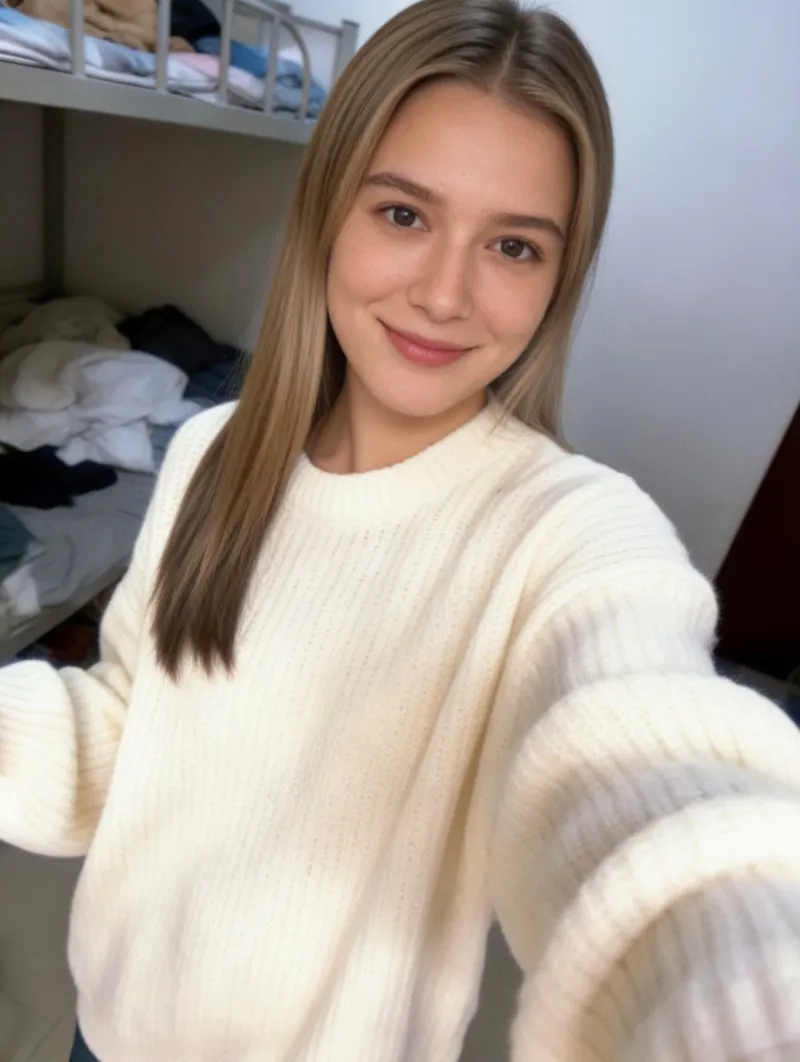
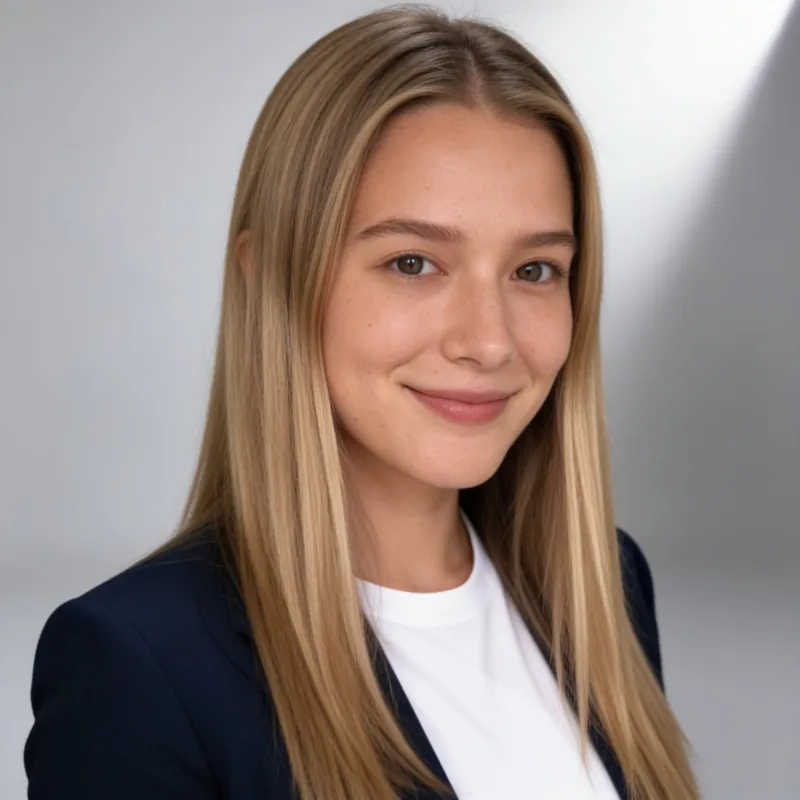
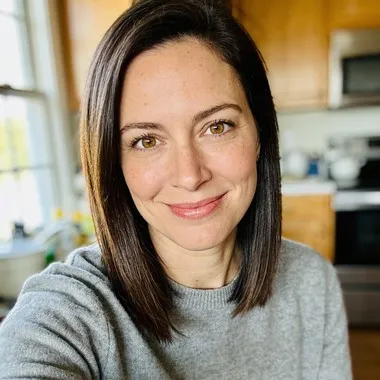
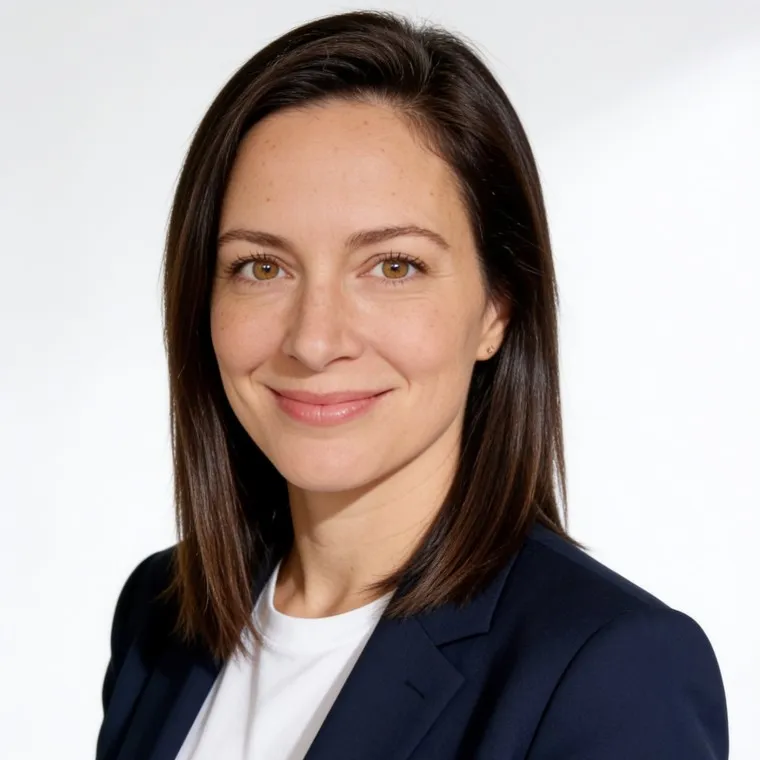
still. turns three photos you already have into 30 to 70 portraits in about ten minutes, with no studio to book.
Starting at $24 — 8x cheaper than a photographer
Make my portraits- 7-day money-back guarantee
- Ready in about 10 minutes
- 30 to 70 headshots from 3 photos
What makes a LinkedIn headshot work
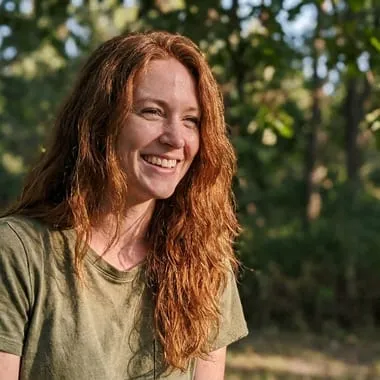
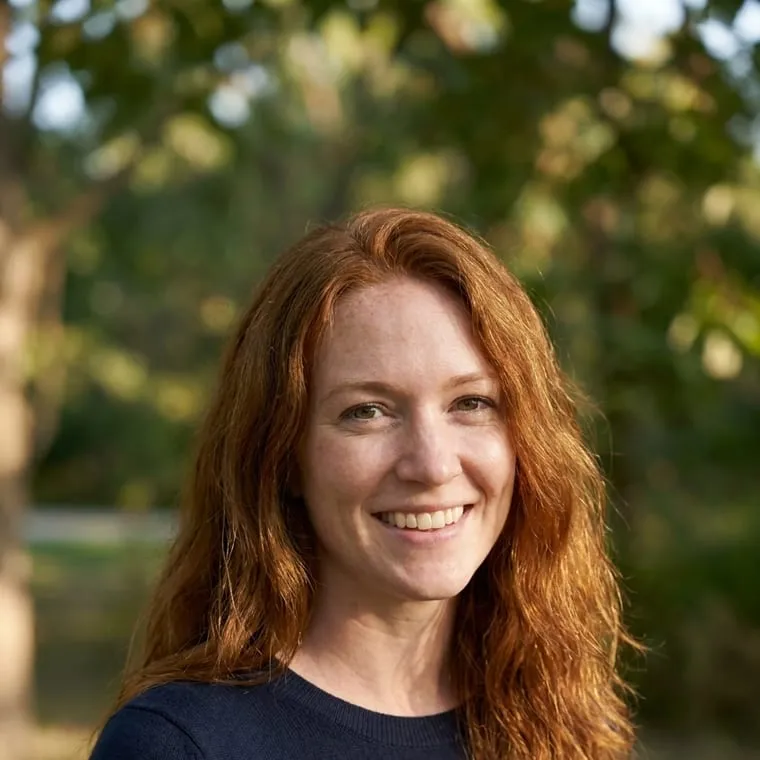
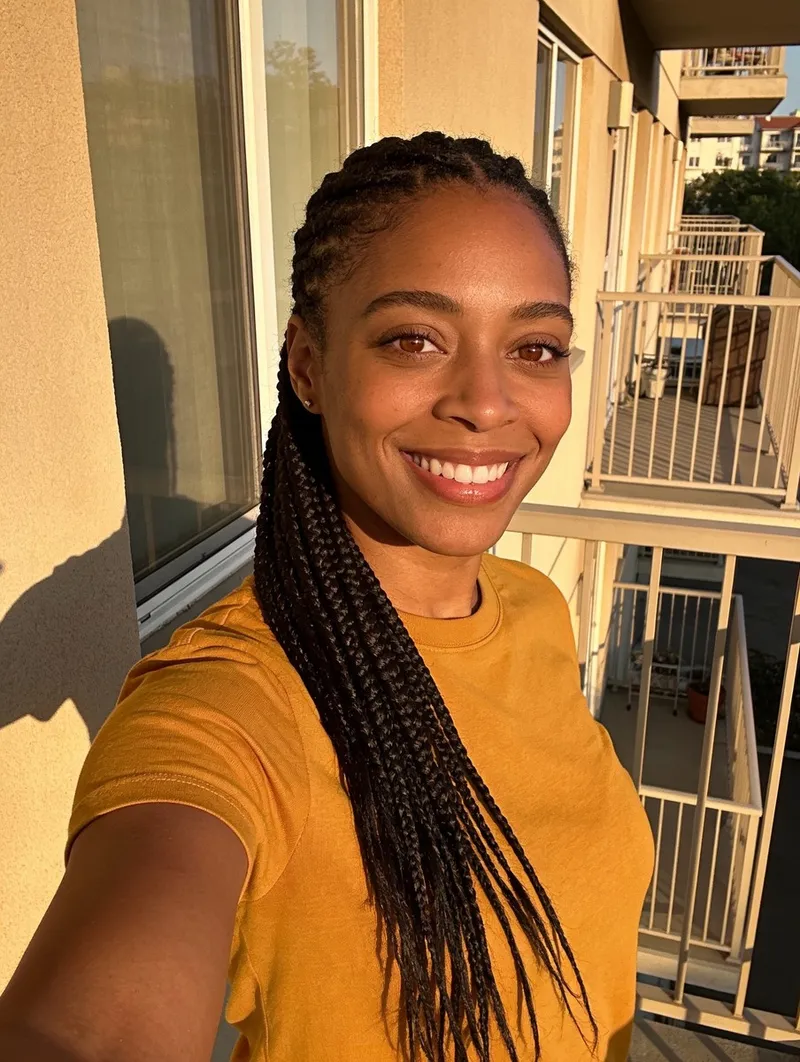
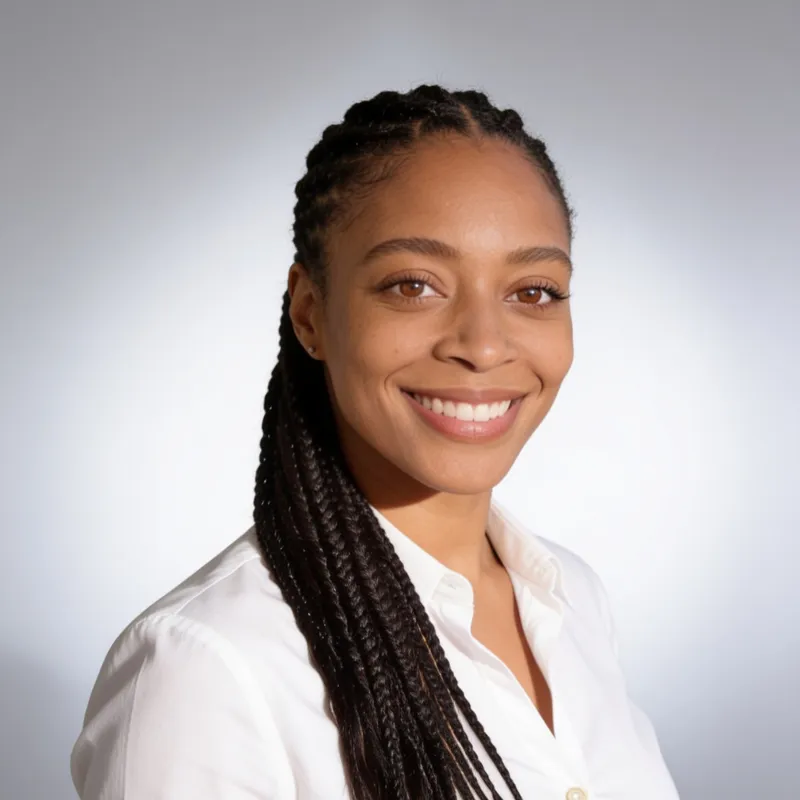
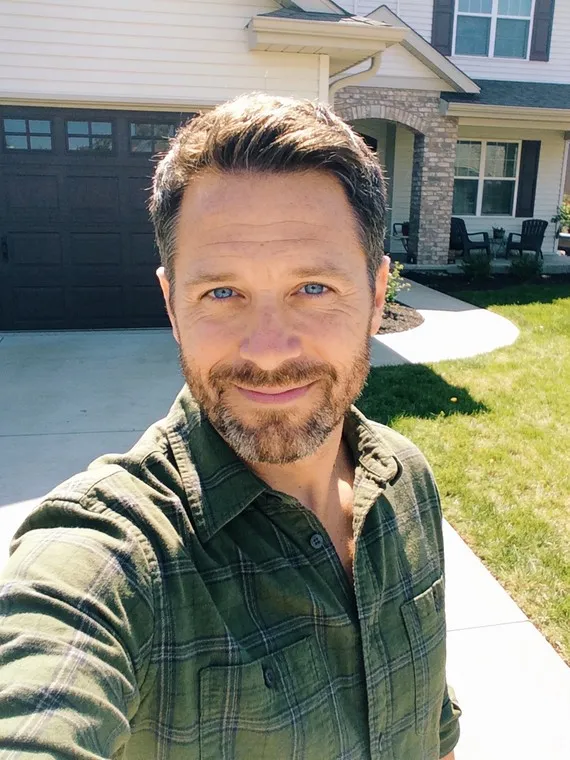
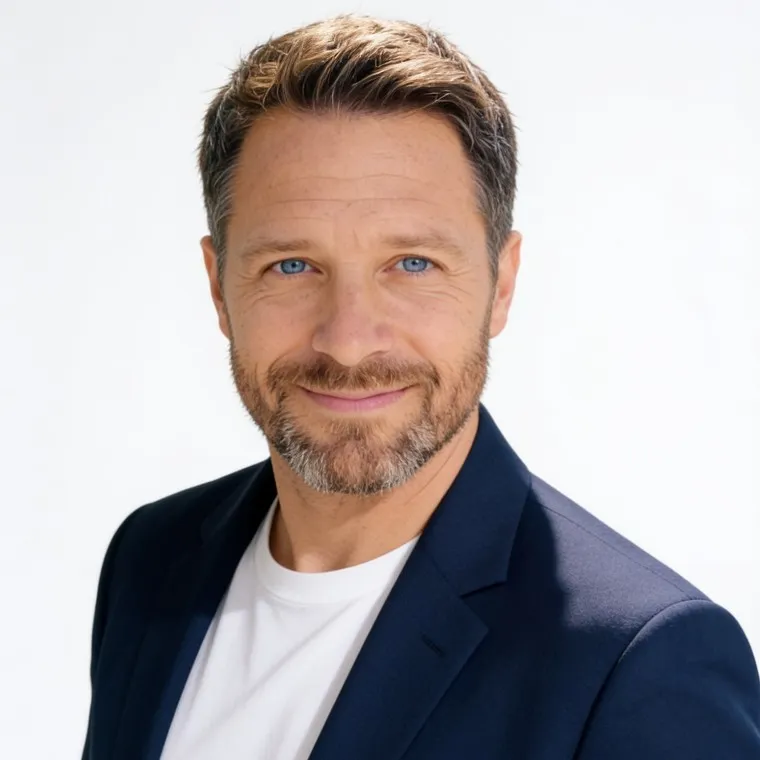
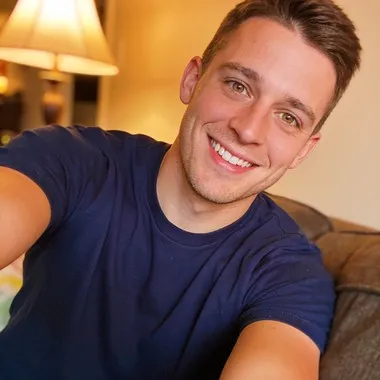
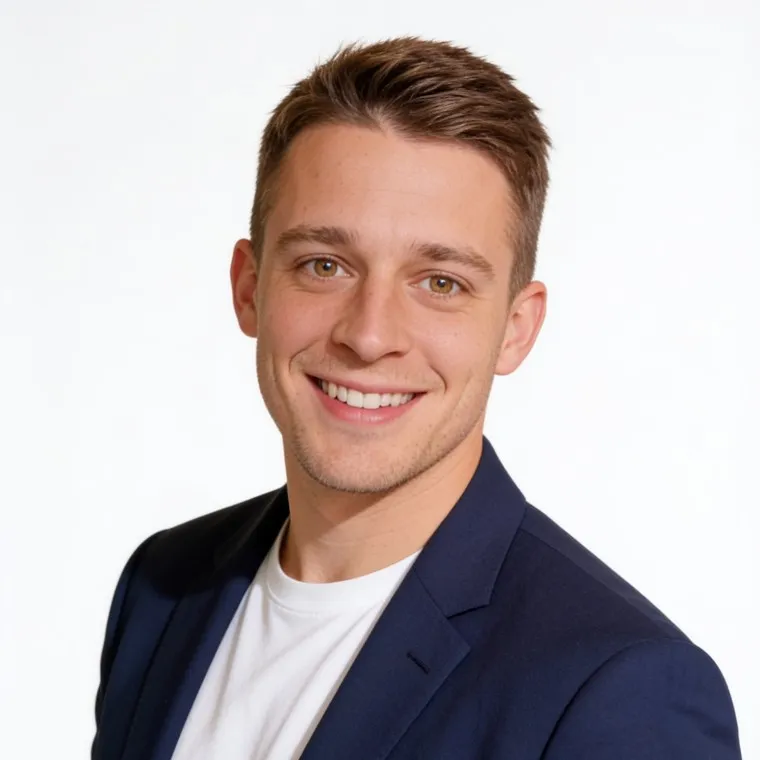
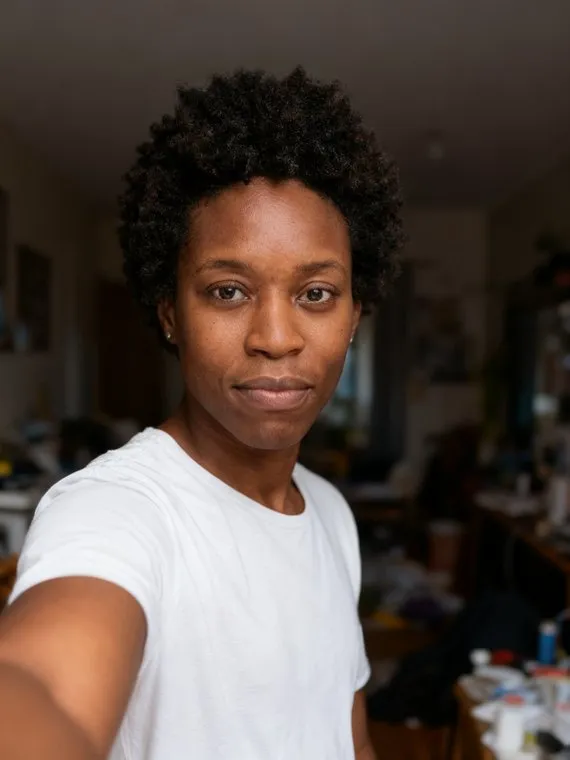
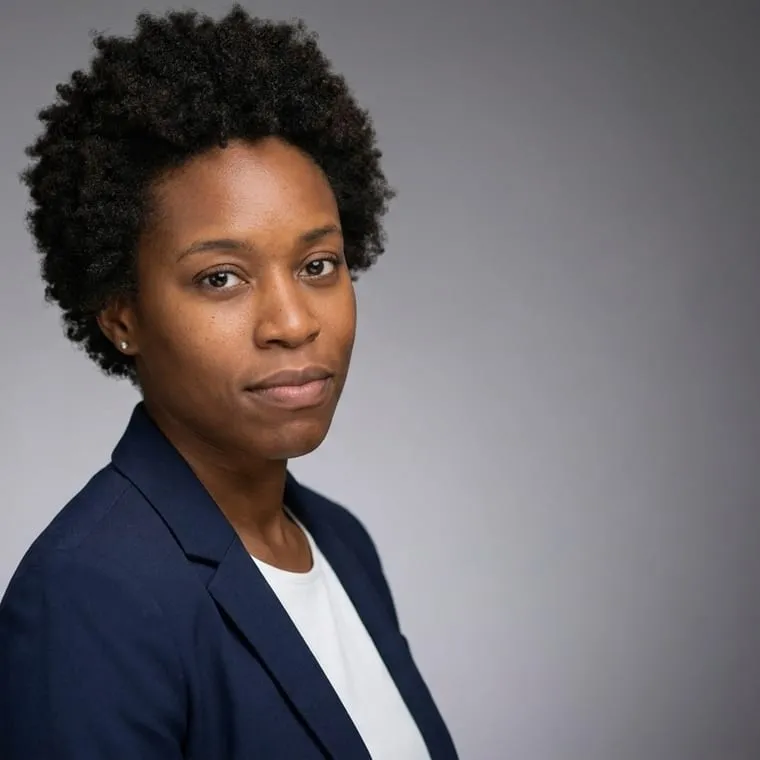
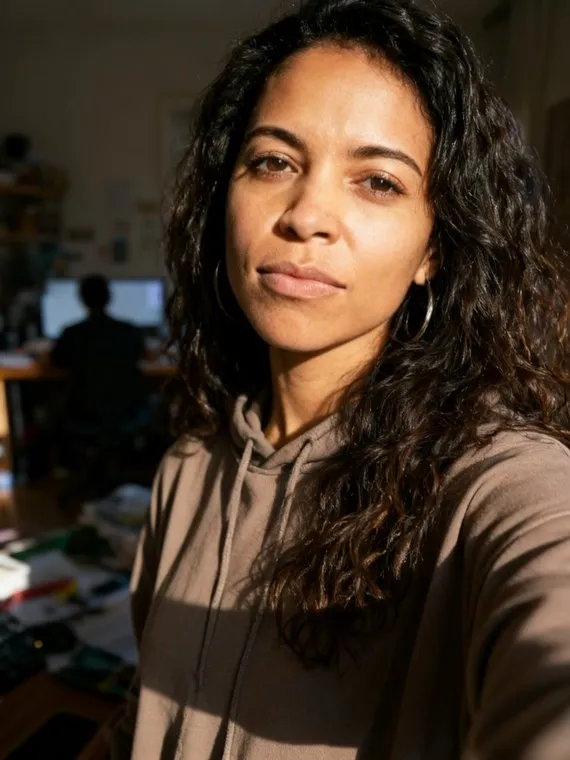
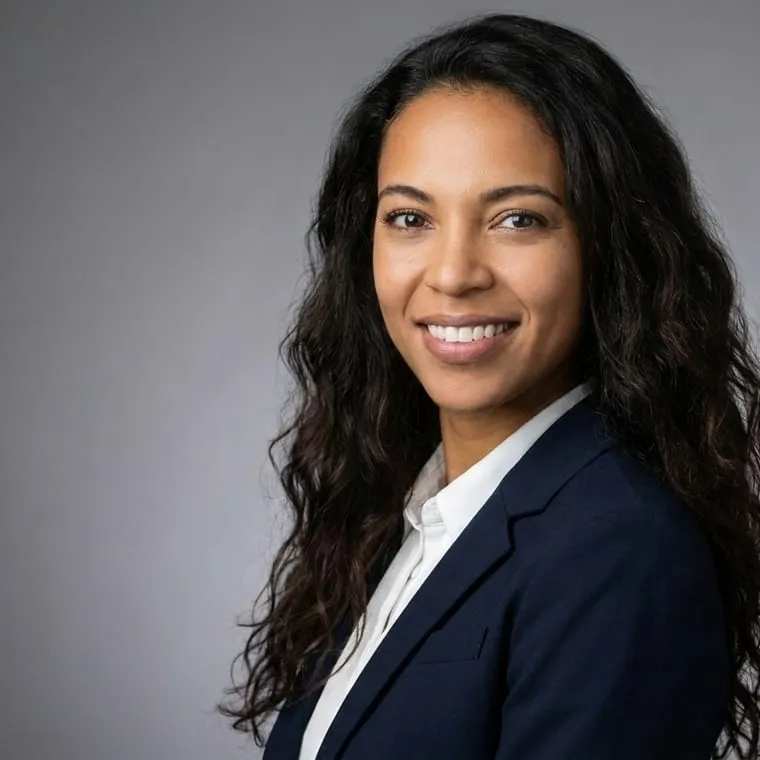
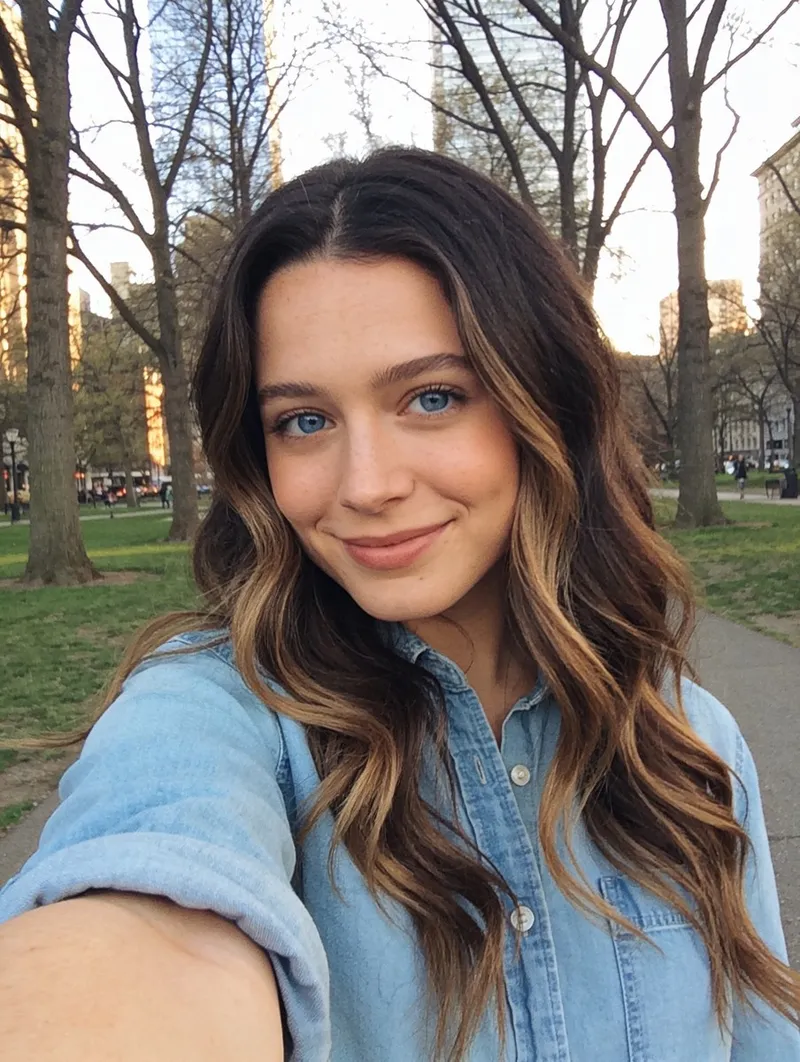
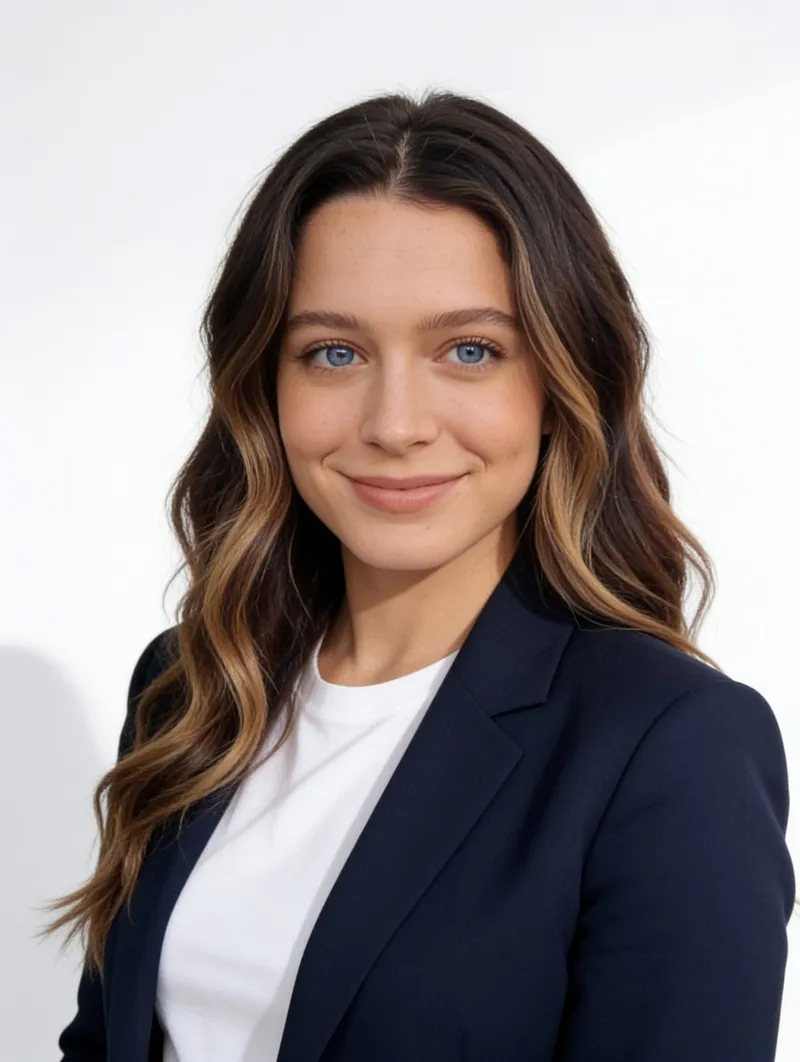
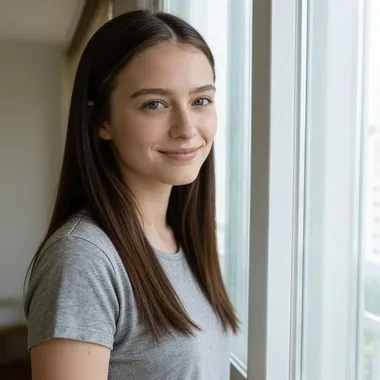
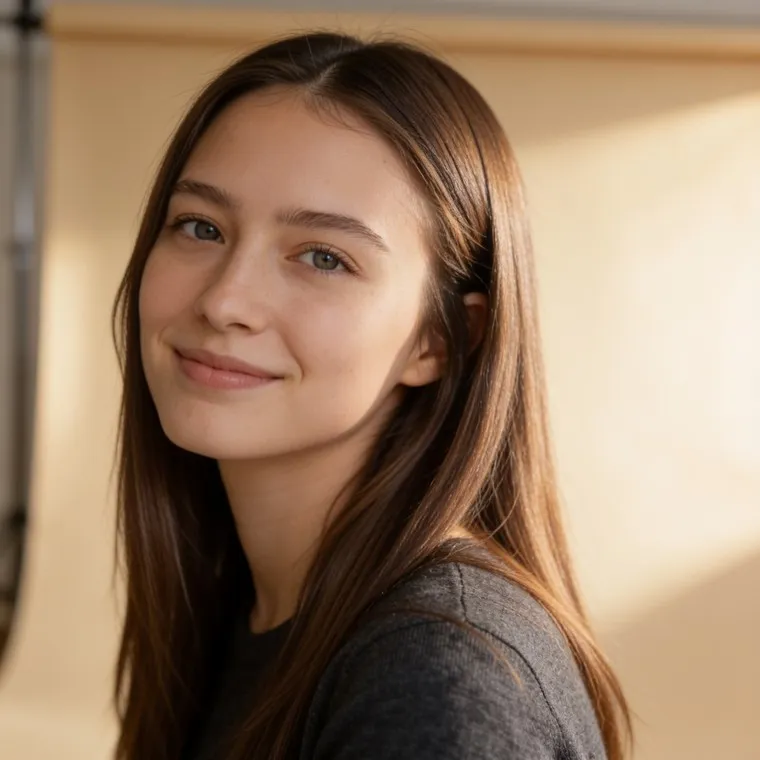
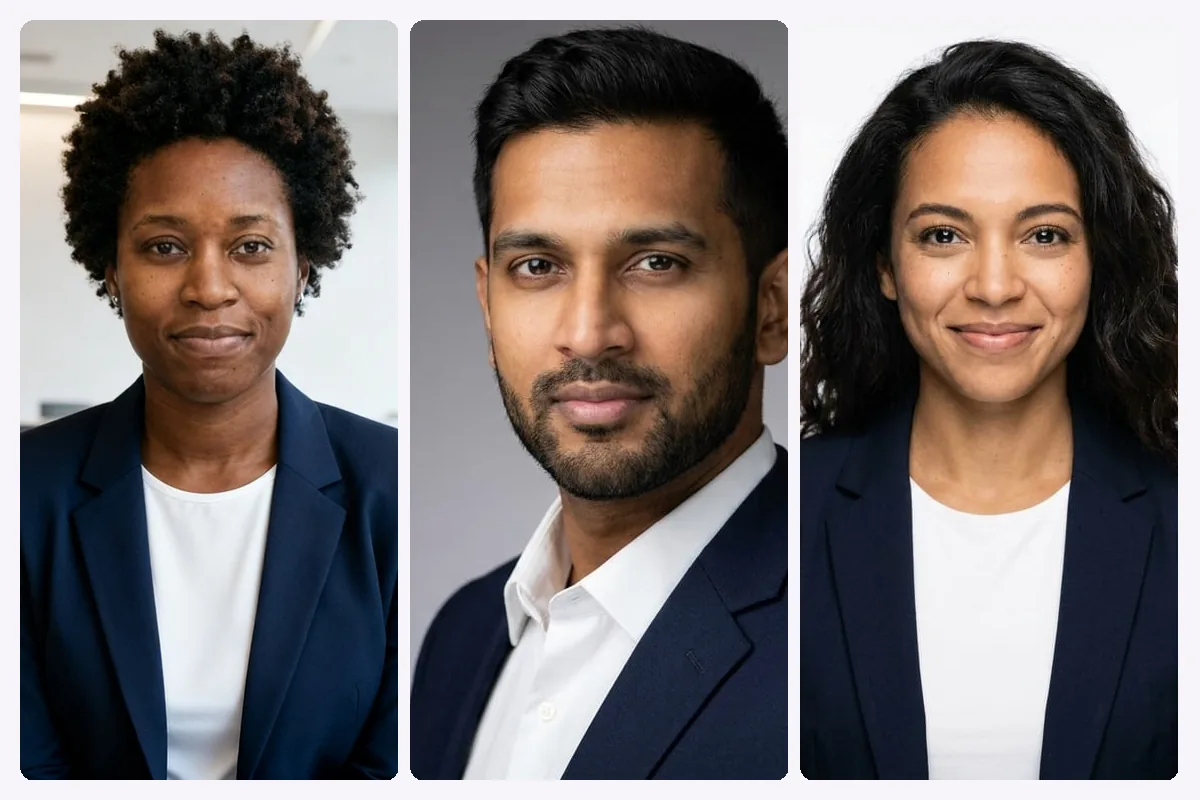
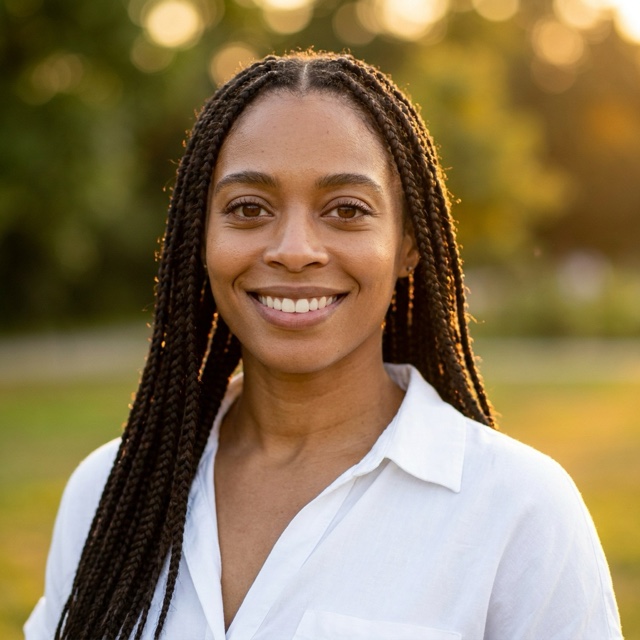
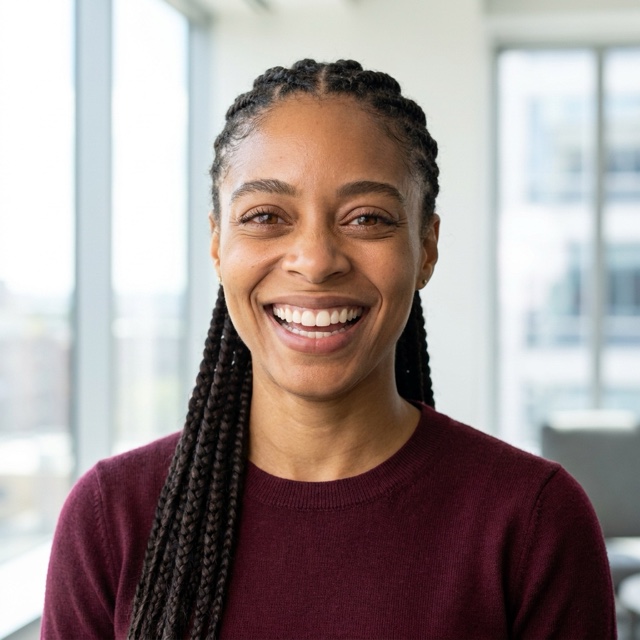
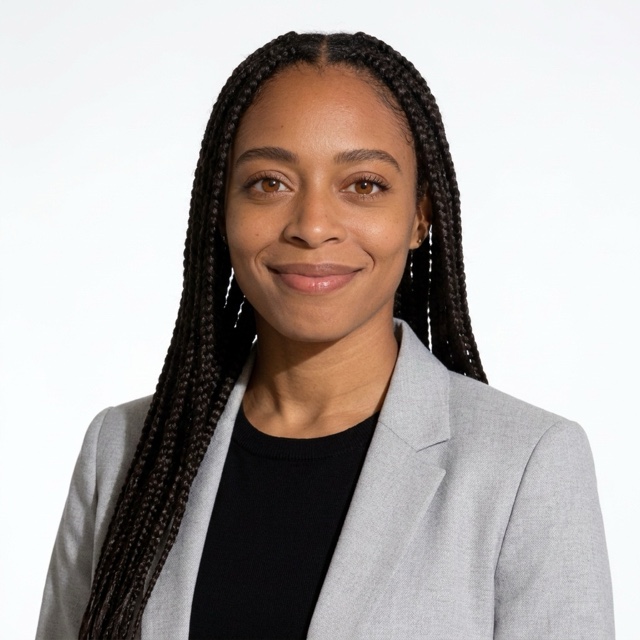
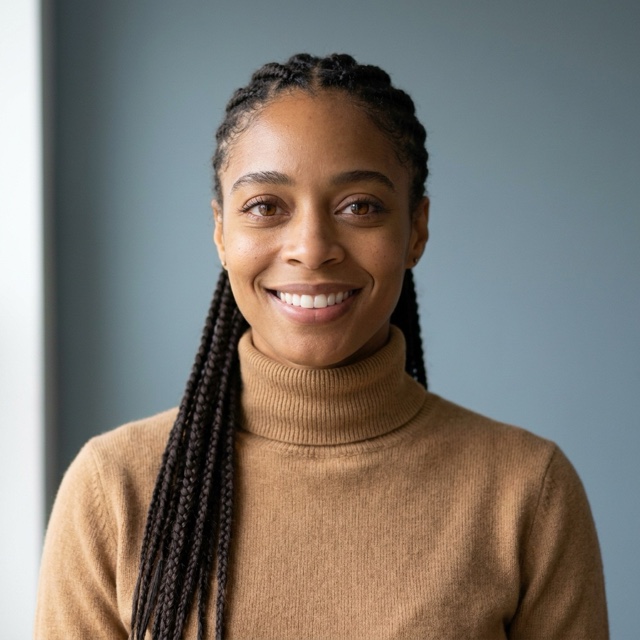
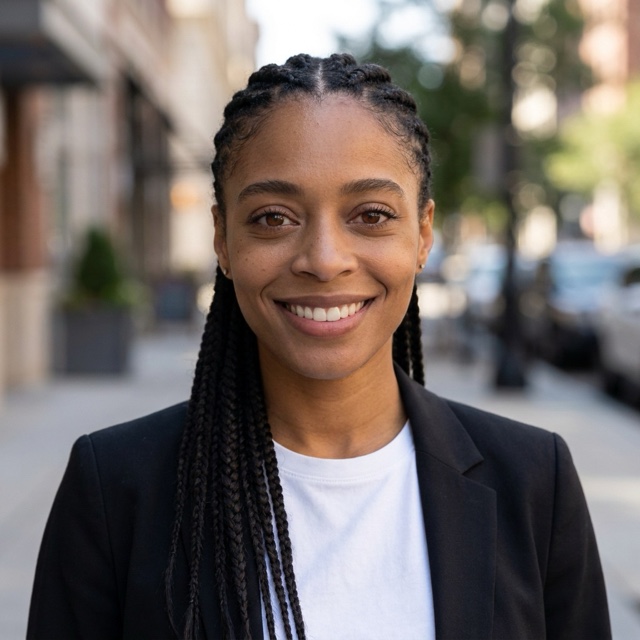
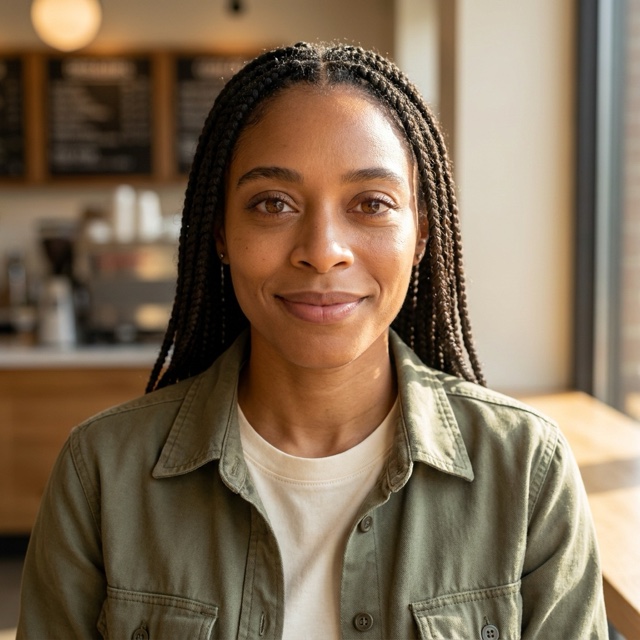
Put two photos of the same person side by side and the face is rarely the difference. The background, the framing and the expression are.
- A plain background that does not pull the eye away from you
- Head and shoulders in the frame, with your face near the center
- A relaxed, friendly expression
Three ways to get one
Most people pick one of three routes. Each has a catch.
- A photographer: you book a slot, travel, and wait for the edited files, which can take weeks.
- Your phone at home: free and flexible, but light and background are hard to get right.
- An AI headshot tool: minutes instead of days, but some tools give you a waxy face that does not quite look like you.
Pick the three photos you upload
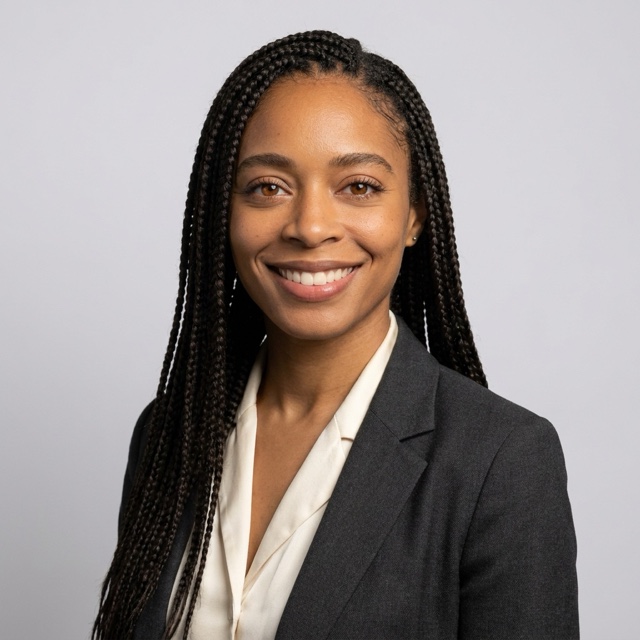
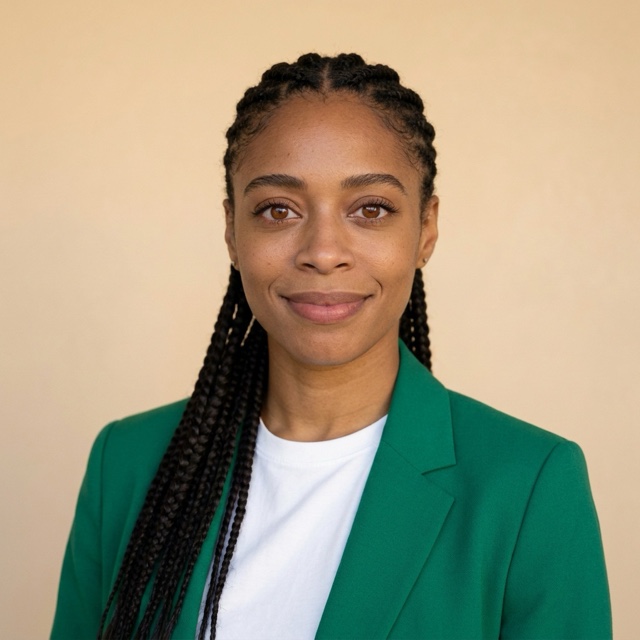
still. is an AI tool that keeps skin the way a photograph has it and never retouches your expression.
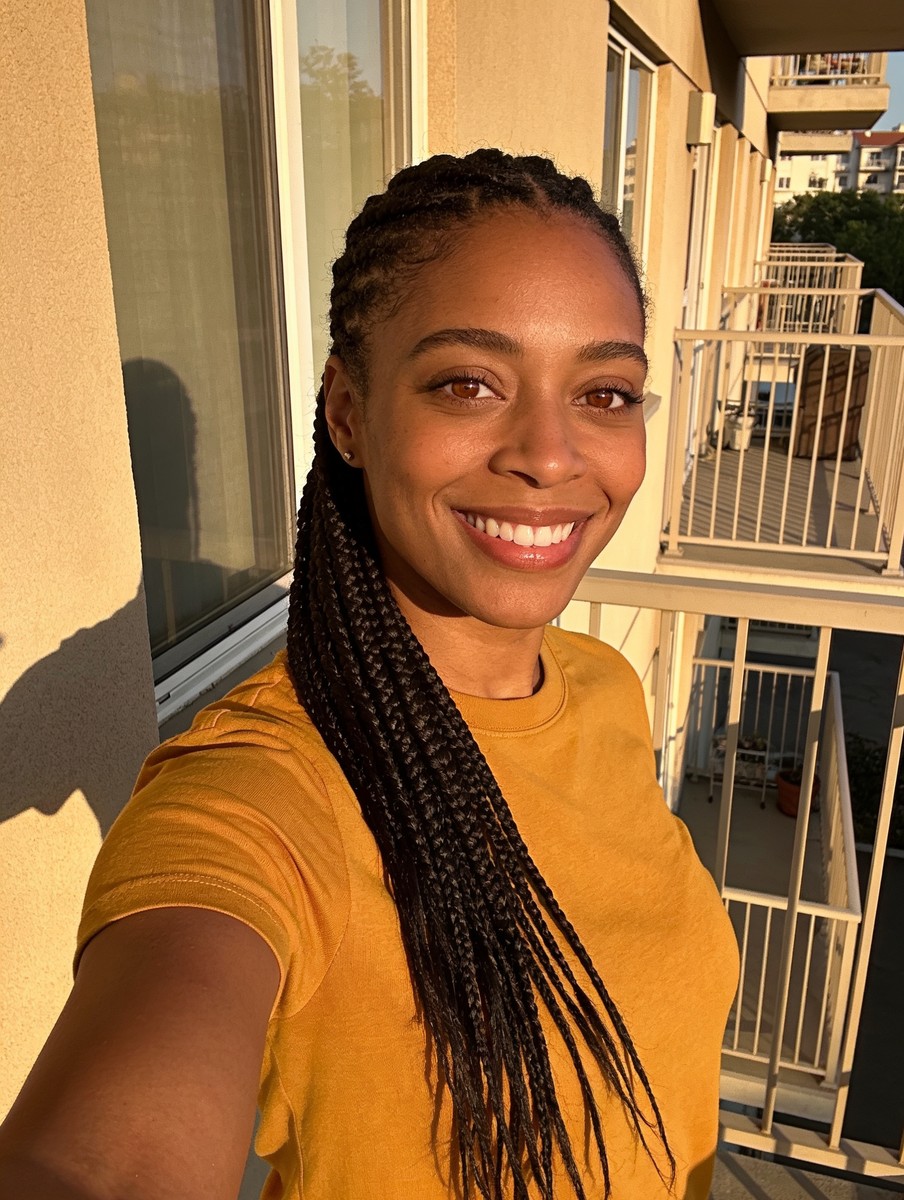
It works from your photos, so choose the ones that show you as you look at work:
- Glasses and accessories you wear every day can stay
- Clothes that suit your industry
- Dark, solid colors rather than busy patterns
Choose your backdrop and look
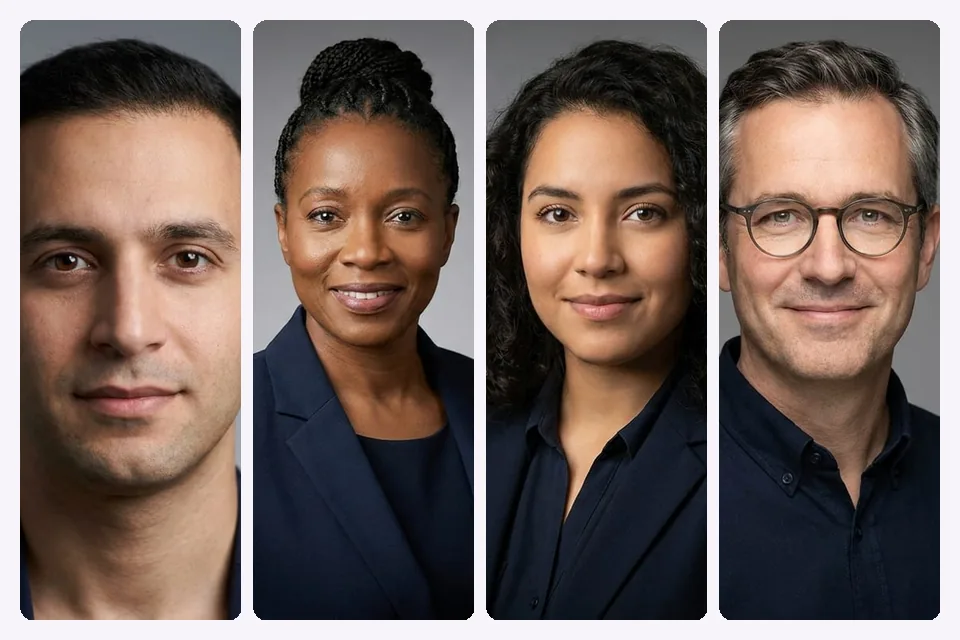
After payment you choose one or two photo categories, such as Editorial or Public speaker.
Each pack comes with six backdrops and four lighting setups.
For LinkedIn, start from the plainest backdrop. It keeps the attention on your face.
Starting at $24 — 8x cheaper than a photographer
Make my portraitsExpression and pose
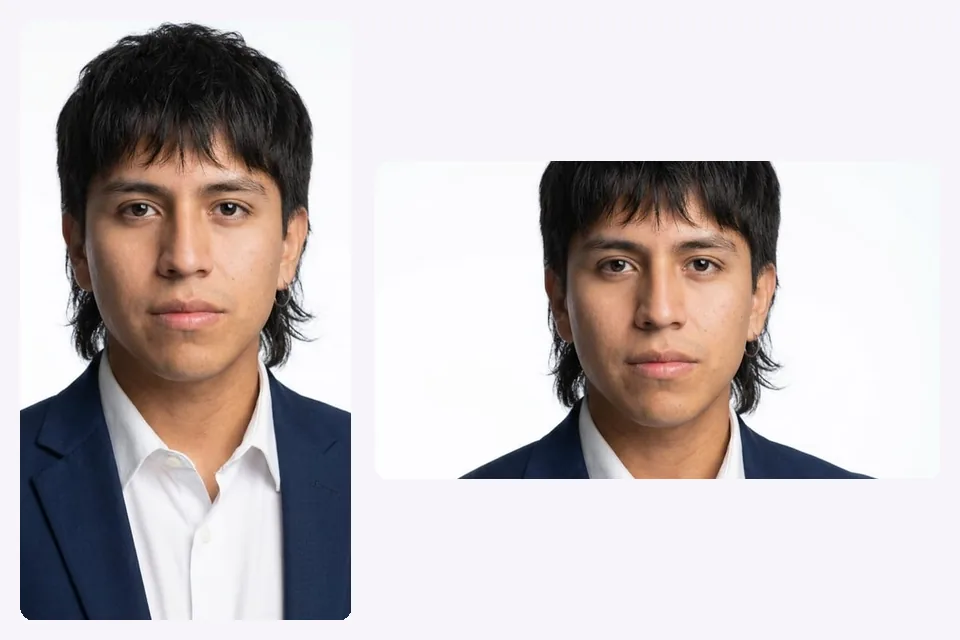
A warm, approachable expression usually works better on LinkedIn than a stiff one.
Then choose between two classic framings:
- Straight on: you face the camera with a steady gaze
- At an angle: one shoulder closer to the camera, head turned back toward it
Check it before it goes on your profile
Look at your favorites at full size before you choose one.
- Skin tones look natural
- Nothing strange in the background
- The face is yours, not a smoothed version of you
Fix what you do not like
The Professional and Executive packs include one free redo with new selfies.
Executive also has 25 edit credits to change a backdrop, outfit, hair, eyewear or expression.
Size it for LinkedIn
Check LinkedIn's current size and file rules before you upload, and save your pick as a JPEG or PNG.
Every pack also includes a 16:9 frame you can use for your banner or email signature.
What a LinkedIn headshot costs
With a photographer you pay for their time, the studio and the editing, not just one photo.
still. sells one-time packs, with no subscription:
- Basic: €24 for 30 headshots in standard resolution
- Professional: €29 for 50 headshots in premium resolution, with 1 free redo
- Executive: €39 for 70 headshots in 4K, with 1 free redo and 25 edit credits
LinkedIn headshots for your whole team
With a photographer, a team shoot means finding one date that works for everyone.
With still., one backdrop, one lighting setup and one wardrobe palette are applied to everybody. Each person's shoot uses one credit, and credits never expire.
Your face and your refund
Your face is read from your three photos at generation and is not used to train anything.
If you have not downloaded any portrait, you get a full refund within 7 days of them being ready.
Questions? Email foto@still.sintro.io or use the chat button on any page.
Starting at $24 — 8x cheaper than a photographer