Free AI selfie generators: what they can and cannot do
Most free selfie tools do one thing well — they separate you from the room behind you. That is genuinely useful, and it is also the ceiling.
What a free tool changes
The background, the framing, the edge around your hair, and sometimes the colour balance. Ours does the first three, in this browser, with no account and no upload: use it here.
What no free tool changes
The light on your face. If you were lit from below by a laptop, you stay lit from below on a nicer wall — and the light is the thing a recruiter reads before they read anything else. That is the difference between an edited selfie and a photograph, and it is the only reason to pay anybody, including us.
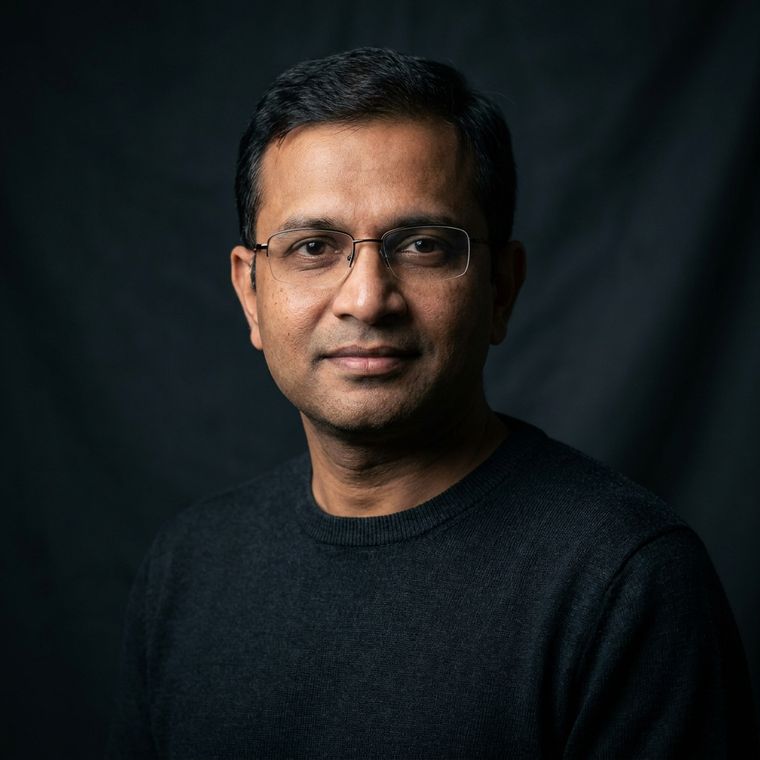
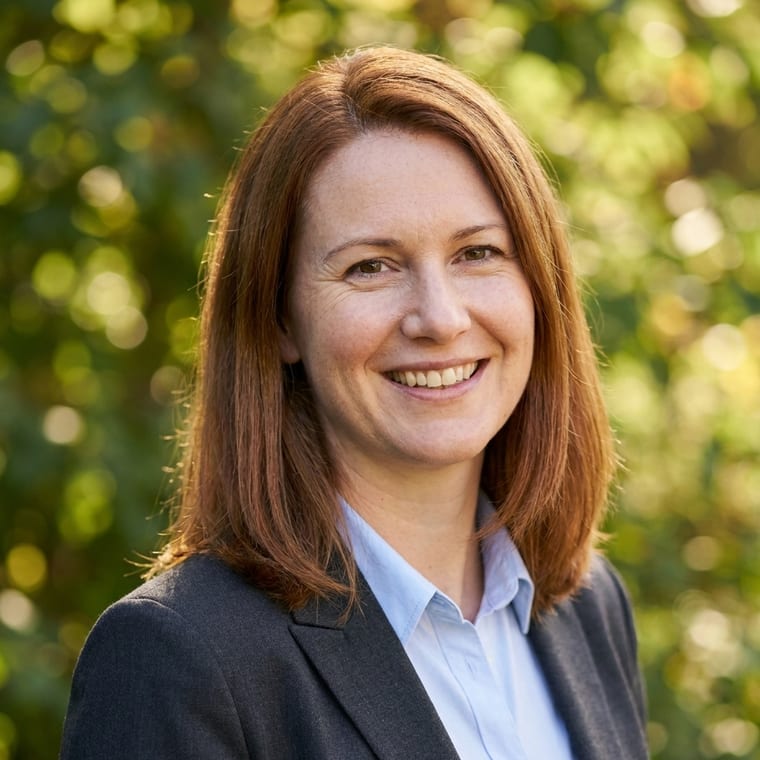
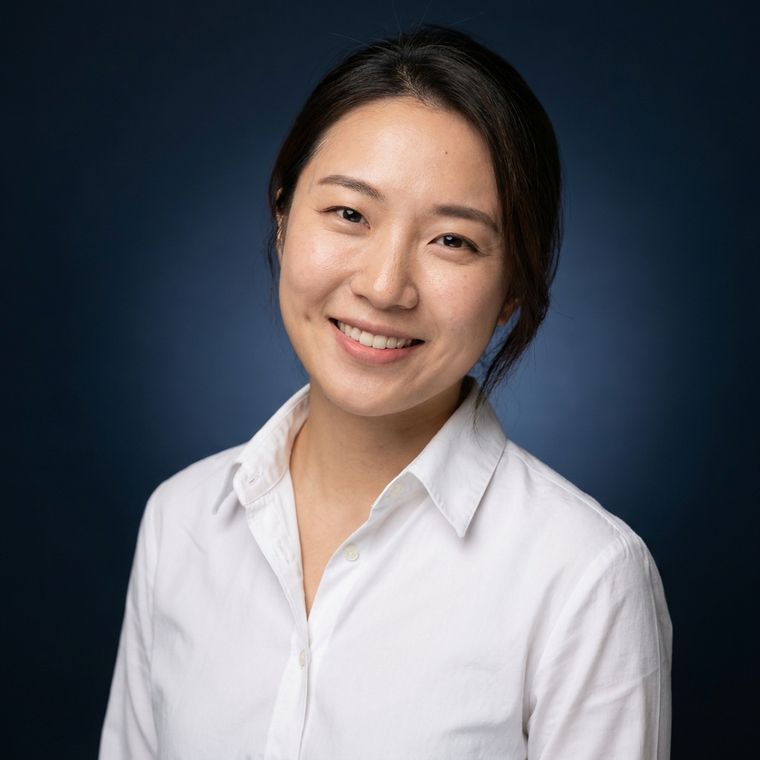
When free stops being enough: forty portraits, six backdrops, four lighting setups, $24.
$24 · Make my portraitsQuestions people actually ask
Are there any truly free AI selfie generators?
Yes, including ours, and they all share one limit: they change the background and the framing, not the light. A free tool can put you on a clean wall; it cannot relight your face.
What is the catch with free ones?
Usually one of three: a watermark, an account and an email before you see anything, or your photograph being uploaded to somebody's server. Ours has none of those — it runs in your browser and there is nowhere to upload to.
How many free photos can I make?
As many as you like. It costs us nothing, because the work happens on your machine.
When is free not enough?
When the original was taken in bad light, when you need several different backdrops and crops, or when you want a photograph that looks taken rather than edited.