LinkedIn headshots, framed for the round crop
LinkedIn headshots made from three photos you already have — forty AI portraits framed for the round 400-pixel crop LinkedIn stores, back in about ten minutes.
The square LinkedIn keeps. Then cuts into a circle.
Upload 3 clear photos of yourself. Phone photos work.
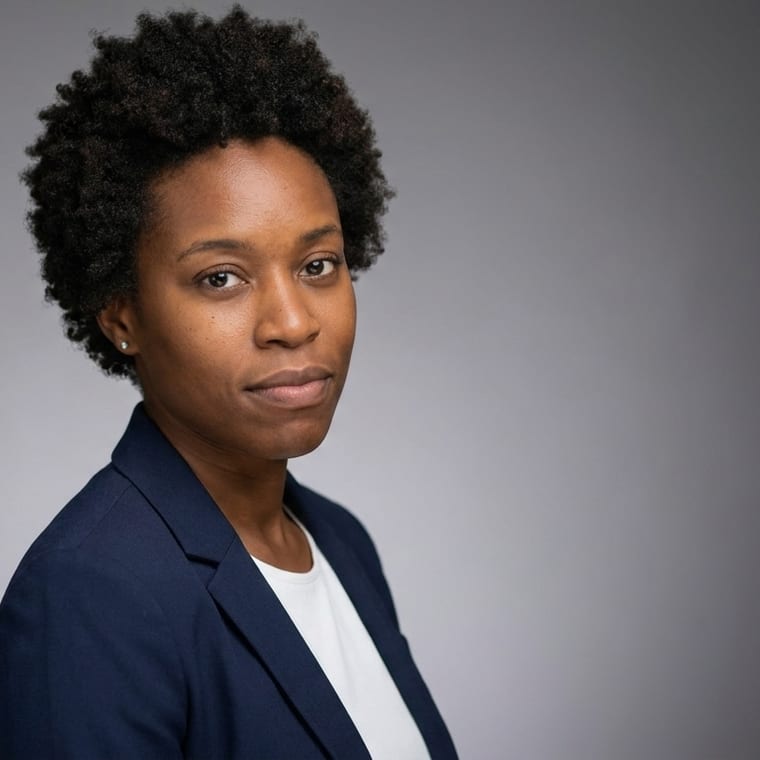
What LinkedIn does to your photo before anyone sees it
LinkedIn keeps a 400 × 400 square. Whatever you upload is squared first, then shown as a circle almost everywhere it appears — on your profile, beside every comment you leave, in search results, in the messaging list and in the feed, where it is about sixty pixels across. The banner behind it is a different picture entirely, 1584 × 396, and a portrait stretched into that shape loses the top of your head.
That sequence decides what a usable photo looks like more than the camera does. A frame with your shoulders at the bottom corners survives the circle; a waist-up shot becomes a head the size of a full stop. A dark jacket against a dark wall becomes one silhouette at sixty pixels. A group photo you cropped yourself keeps somebody else's shoulder in the corner, and the circle puts it right next to your face.
Forty portraits, so you can change the one that isn't working
A profile photo is not a one-off decision. It sits beside your name while you are job hunting, while you are selling, while you are posting, and it gets stale in a way a CV photo does not, because people see it every week. Most people avoid changing it because changing it means booking something.
Forty portraits, in the same session, from the same three references, means the next one is already on your disk: the tight crop for the circle, the wider frame for a conference programme or a company page, the 16:9 composed wide for the banner. They are the same person in the same week, so swapping one for another does not read as a new identity.
No model is trained on your face
AI LinkedIn headshots, wherever you buy them, work one of two ways. Most services fit a small model to you before they generate anything, which is where the thirty-to-sixty-minute wait comes from, and it leaves a model of your face on somebody's server afterwards. This one reads your face from the references at the moment it makes each picture. Nothing is fitted, so there is nothing to delete later and nothing to wait for — the portraits come back in about ten minutes.
If you are comparing AI headshots for LinkedIn against each other, the wait is the tell: a service that answers in ten minutes is not training a model, and one that answers in an hour is. What to leave out is shorter than what to include: no sunglasses, no filter that flattens the light you just paid for, no photo where you are one of four people, and no backdrop the same value as your jacket. Everything else is preference.
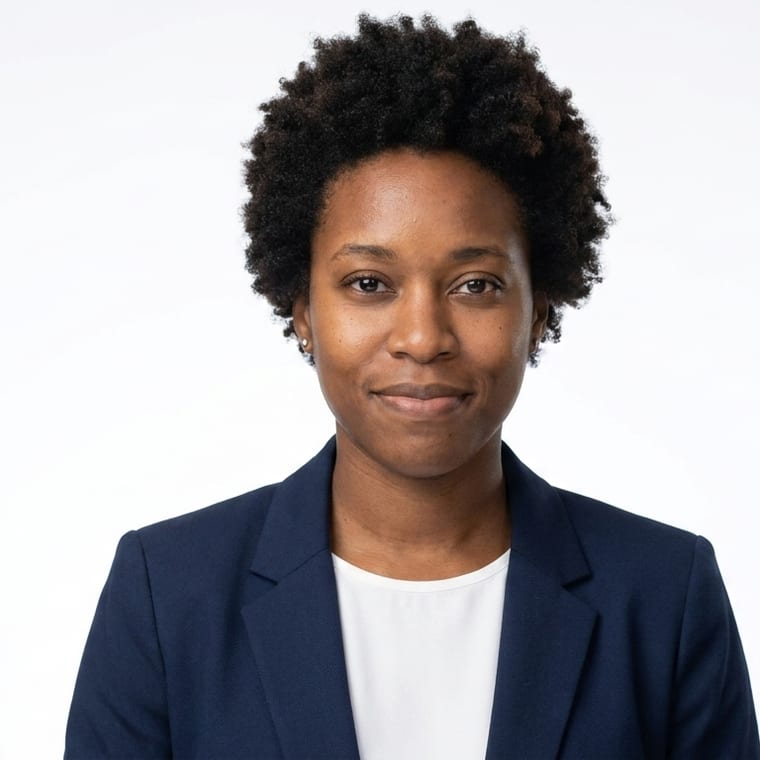
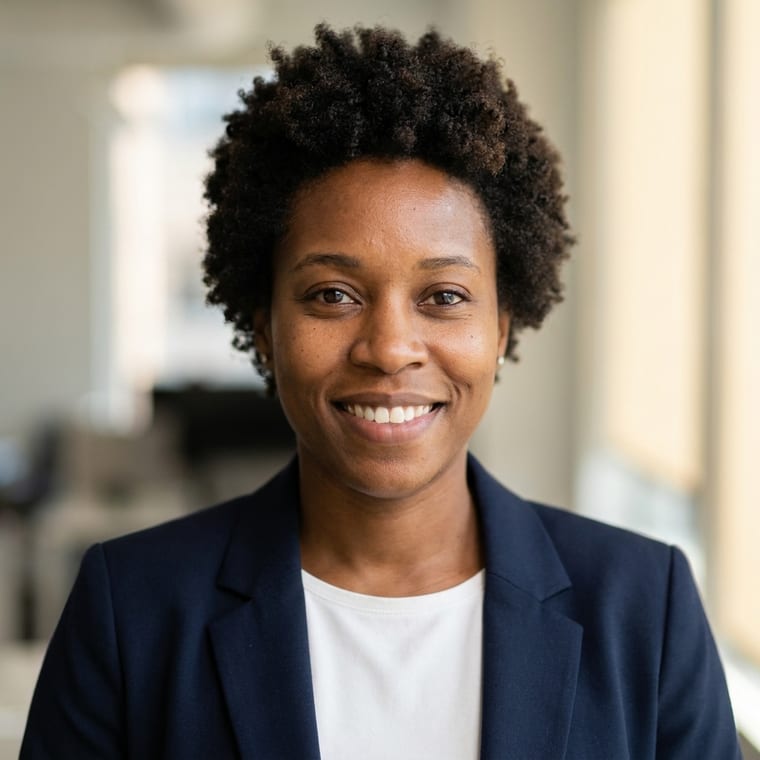
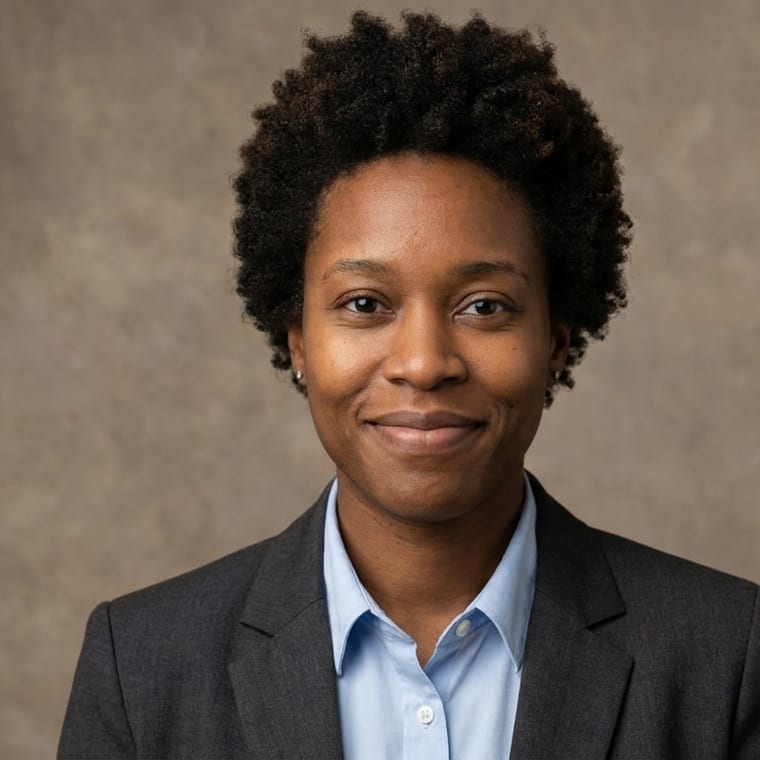
Three setups, large enough to judge.
The three below are shown big on purpose: a profile photo is decided at sixty pixels, but you cannot check skin texture, the catchlight in an eye or the edge of a collar at sixty pixels. Look at them at this size, then squint — what survives the squint is what survives the feed.
Send three photos
From your phone, as they already are. The model reads your face from the references — it does not train on them, so there is no run to wait through.
Choose your photo categories
After payment, choose one or two categories for your 40 photos. Professional covers the studio, office and architecture settings a profile photo comes from.
Forty come back
In about ten minutes, including a tight crop for the circle and a 16:9 frame composed wide for the banner.
- 40 portraits, yours to keep
- Choose one or two photo categories after payment
- A tight crop for the 400 × 400 square, and a 16:9 frame for the banner
- Delivered in minutes, not overnight
Your pack: Professional / LinkedIn
Download individual photos or the full set.
Sales tax is added at checkout where your state charges it.